
Regular races
Events
Themed races with one or more distances, such as 5K and 10K, and a choice of configured rewards.
Explore Events

Four simple steps, your own pace, wherever you are.
Choose an inspiring race, complete the activity honestly and earn a lasting record of your achievement.
Everything you need to begin, complete and record your UKVR journey.
Explore Events, Challenges and Specials, then choose a distance and format that suits you.
Select one of the reward packages configured for that race and complete the stated booking process.
Run, walk or complete the eligible activity in your own time, following that race's published rules.
Upload evidence through My Races. Once verified, your achievement and included rewards are unlocked.
Every race clearly explains its distance, format, entry window and completion requirements.
Themed races with one or more distances, such as 5K and 10K, and a choice of configured rewards.
Explore Events
Distinctive goals that may build distance over time, follow stages or unlock landmark milestones.
Explore Challenges
Unique or limited races with their own theme, rules and reward combinations.
Explore SpecialsPackages describe what is included—not athletic rank or performance. Each race offers only the options shown on its page.
Dates and requirements are set race by race, so review the selected race page before booking.
Select the distance and reward package displayed on the race page.
A pending booking is not an active race entry. Participation opens only after the required confirmation.
Your account shows the personal participation dates attached to your confirmed entry.
Eligible activities, distances and evidence requirements are published on each race page.
Evidence helps us confirm the published distance and participation dates without requiring a specific fitness platform.
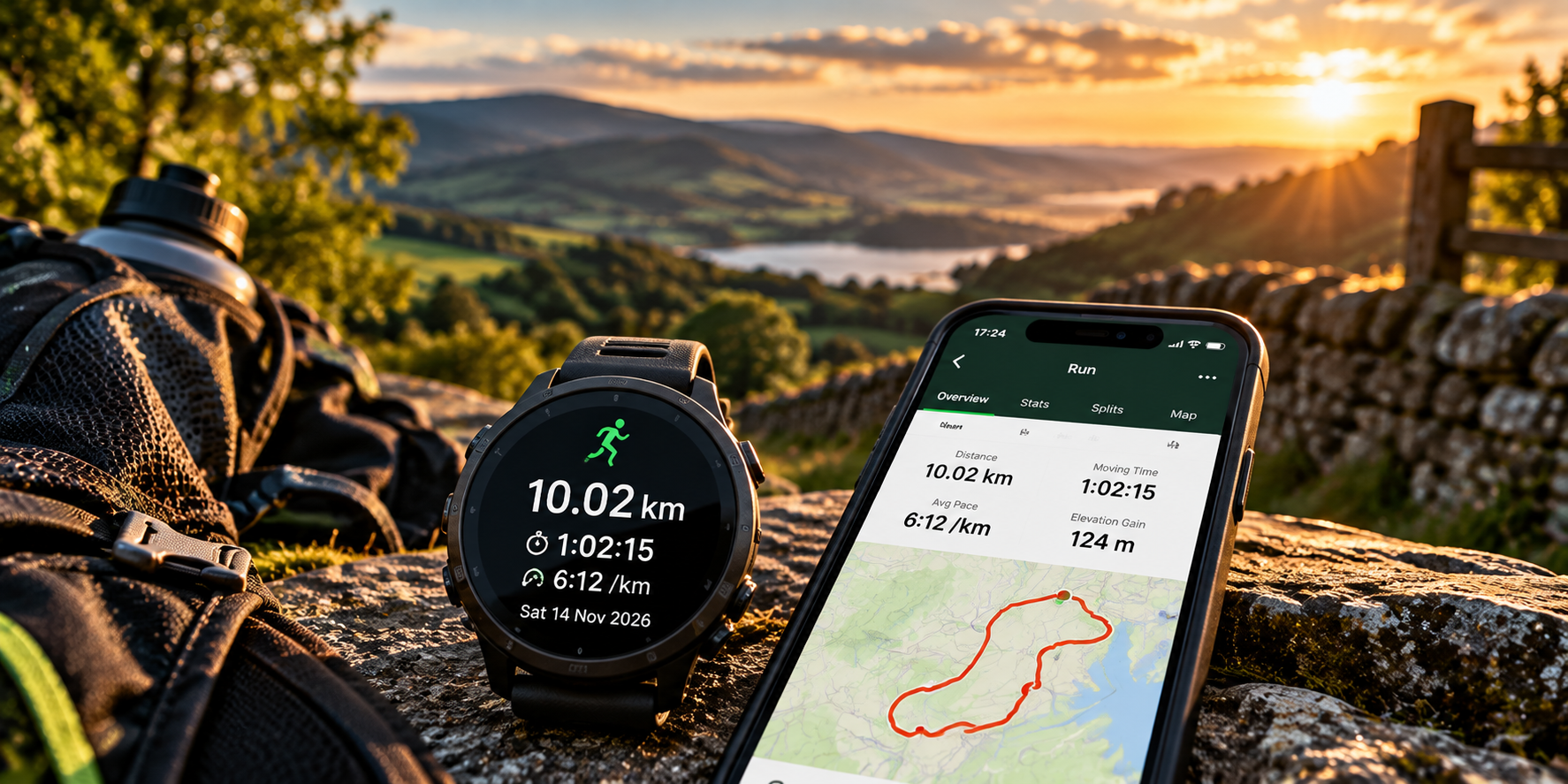
A fitness-app or watch screenshot can show the activity date and distance. Time is optional unless a race explicitly says otherwise.
Submit the activity securely from your own account. There is no automatic Strava integration.
We compare the submission with that race's requirements and your participation dates.
Approval records your progress or completion and unlocks only the benefits included in your package.
If evidence is unclear or cannot be approved, the review status and reason remain private to your account and you may be asked for clearer information.
Race-specific information always appears on the relevant race page.
A clear screenshot or similar record showing the activity date and distance is normally suitable. GPS is not compulsory for every runner. Always check the race's Activity Submission Requirements.
Each race publishes its own participation window. Once confirmed, your personal dates are shown in My Races.
Yes, where a Digital package is configured. Package availability and pricing are shown on the race page.
The private review explains the reason. Where the participation rules allow it, you can provide corrected or clearer evidence.
No. UKVR is participation-first and does not publish competitive result tables, rankings or cross-runner time comparisons.
Refund eligibility depends on the booking circumstances and applicable terms. Please read our Terms & Conditions before entering.